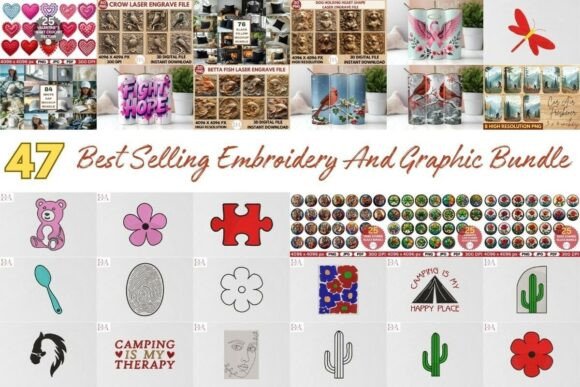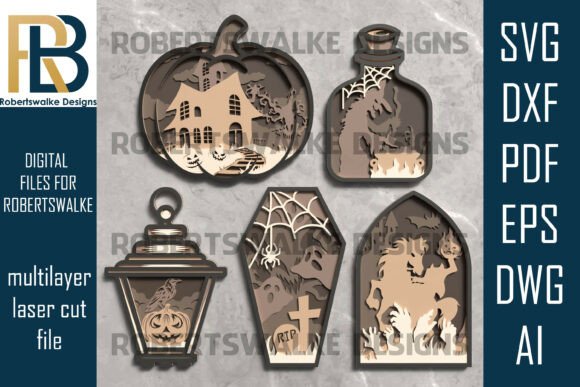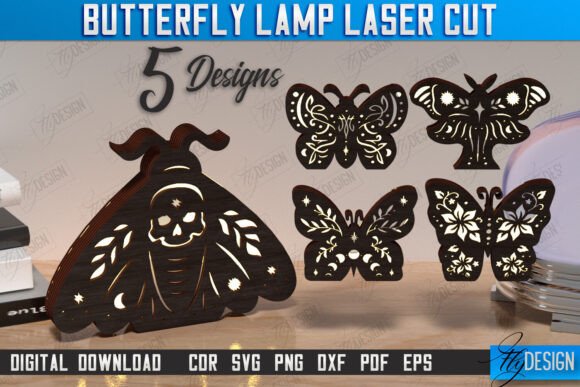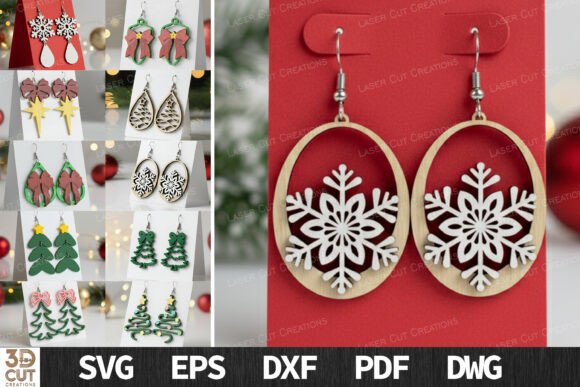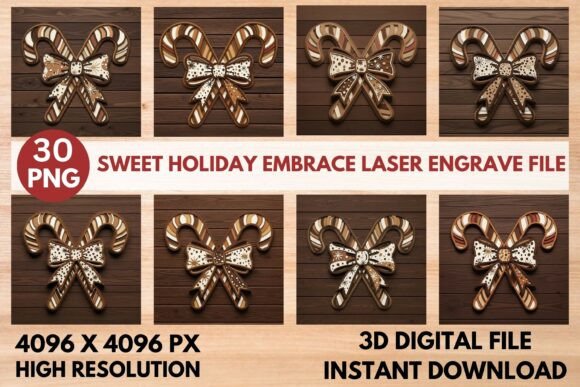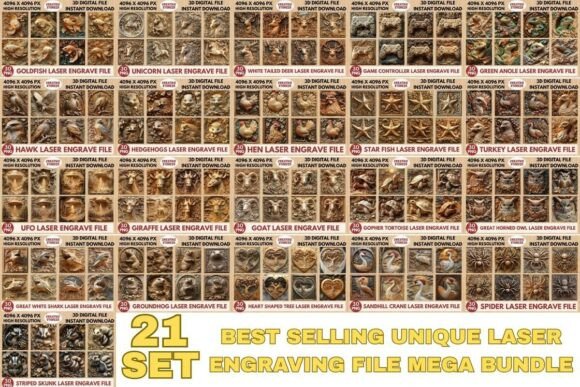
Master 3D Laser Engraving File Bundle
For creators working with laser engravers and CNC routers, the difference between a flat, unremarkable etch and a striking, three-dimensional piece often comes down to the quality of the source file. Many hobbyists and small business owners spend hours attempting to convert standard two-dimensional images into depth maps, only to find the results lack contrast or detail. This is where a curated 3D Laser Engraving File Bundle becomes an essential tool in your digital workflow. By providing pre-optimized, high-resolution assets, these bundles allow you to bypass the technical hurdles of image processing and focus on the craft of fabrication.
The value of such a collection lies not just in the quantity of designs, but in their specific optimization for physical production. When you unlock the full power of laser engraving with professional-grade files, you are investing in consistency and precision. Each design within a reputable bundle is crafted with precise depth mapping, realistic shadow layers, and balanced tonal gradients. This ensures that when the laser hits the material, whether it be wood, acrylic, or coated metal, the resulting burn pattern accurately reflects the intended three-dimensional form.
Understanding the Technical Advantage
To appreciate why a dedicated 3D Laser Engraving File Bundle matters, one must understand how laser engraving software interprets images. Most machines use grayscale values to determine laser power. Black areas receive maximum power for deep engraving, while white areas receive little to none. Standard photographs often lack the dynamic range required for this process, leading to muddy details or lost highlights.
A professional bundle addresses this by offering two distinct versions for each design: coloring PNGs and grayscale PNGs. The grayscale versions are specifically tuned for perfect tonal engraving depth. They have been processed to enhance contrast in mid-tones, ensuring that subtle curves and textures are visible in the final product. Meanwhile, the coloring PNGs serve a different purpose. With transparent backgrounds and vivid surface details, they are ideal for previewing designs, creating marketing materials, or using in sublimation printing where color fidelity is paramount. Having both formats in a single package streamlines the transition from digital concept to physical object.
Resolution and Scalability Matter
One of the most critical factors in laser engraving is resolution. A pixelated image translates directly into a jagged, low-quality engraving. The files included in a high-quality 3D Laser Engraving File Bundle are typically rendered at ultra-high resolutions, such as 4096 × 4096 pixels. This density is crucial for several reasons.
First, it allows for significant scaling without loss of detail. Whether you are engraving a small jewelry pendant or a large wall art piece, the high pixel count ensures that edges remain sharp and textures remain smooth. Second, it provides flexibility for CNC routing. While lasers burn surfaces, CNC routers carve into them. The detailed depth information in these high-resolution files can guide tool paths more accurately, reducing the risk of errors during milling. For professionals who need to deliver flawless results on any surface, this level of clarity is non-negotiable.
Practical Applications for Creators
The versatility of these files extends across various industries and hobbies. For small business owners selling personalized gifts, time is money. Creating custom 3D depth maps from scratch can take hours per design. By utilizing a bundle of top-selling artworks, entrepreneurs can rapidly expand their product catalog. You might use the wooden texture optimizations for rustic home decor items or leverage the high-contrast settings for sleek acrylic awards.
Educators and workshop instructors also benefit significantly. Teaching students how to adjust depth maps is complex. Providing them with pre-optimized files allows them to focus on learning machine operation, material handling, and safety protocols. Once they see the high-contrast, lifelike results achievable with proper files, they can better understand the relationship between digital input and physical output.
- Wood Etching: The balanced tonal gradients prevent burning through thin veneers while still achieving visible depth.
- Metal Marking: High-contrast grayscale files ensure clear visibility on coated metals like anodized aluminum.
- Acrylic Carving: Transparent backgrounds in coloring PNGs help align designs precisely before engraving.
Who Benefits Most from This Resource?
While anyone with a laser cutter can use these files, certain groups will find disproportionate value. Freelance designers who offer engraving services but lack advanced Photoshop skills can maintain a professional standard without hiring additional help. Hobbyists who want to create impressive gifts for friends and family without a steep learning curve will find the ready-to-use nature of the bundle liberating.
Moreover, marketers and content creators in the maker space can use the coloring PNGs for social media posts and website banners. Since the files come with transparent backgrounds, integrating them into promotional materials is seamless. This dual utility—production-ready grayscale files for the machine and marketing-ready color files for the screen—makes the bundle a comprehensive asset.
Considerations for Best Results
It is important to note that even the best 3D Laser Engraving File Bundle requires proper machine calibration. The files are optimized for general use, but different materials react differently to heat. Wood species vary in density, and acrylic types differ in melting points. Users should always perform test runs on scrap material to fine-tune speed and power settings. Additionally, while 4096 × 4096 pixels is high resolution, extremely large projects may require vector-based solutions for infinite scalability. However, for the vast majority of consumer and prosumer applications, raster graphics of this quality are more than sufficient.
Another consideration is file compatibility. Ensure your laser software supports high-resolution PNG imports. Most modern systems like LightBurn, LaserGRBL, and proprietary CNC software handle these formats effortlessly, but verifying your setup prevents workflow interruptions.
Enhancing Creative Efficiency
Ultimately, the goal of using a pre-made bundle is to enhance creative efficiency. By removing the tedious process of image preparation, you free up mental energy for design selection, material experimentation, and customer interaction. The 3D Laser Engraving File Bundle serves as a foundation upon which you can build your unique brand aesthetic. Whether you are modifying the files slightly to add text or using them as-is for classic looks, the underlying quality ensures that your final product stands out in a crowded market.
In a field where precision defines professionalism, having access to expertly crafted depth maps is a competitive advantage. It allows you to deliver consistent, high-impact results that reflect well on your craftsmanship. As you explore the possibilities of 3D engraving, let these optimized files be the bridge between your creative vision and the tangible reality of your work.